
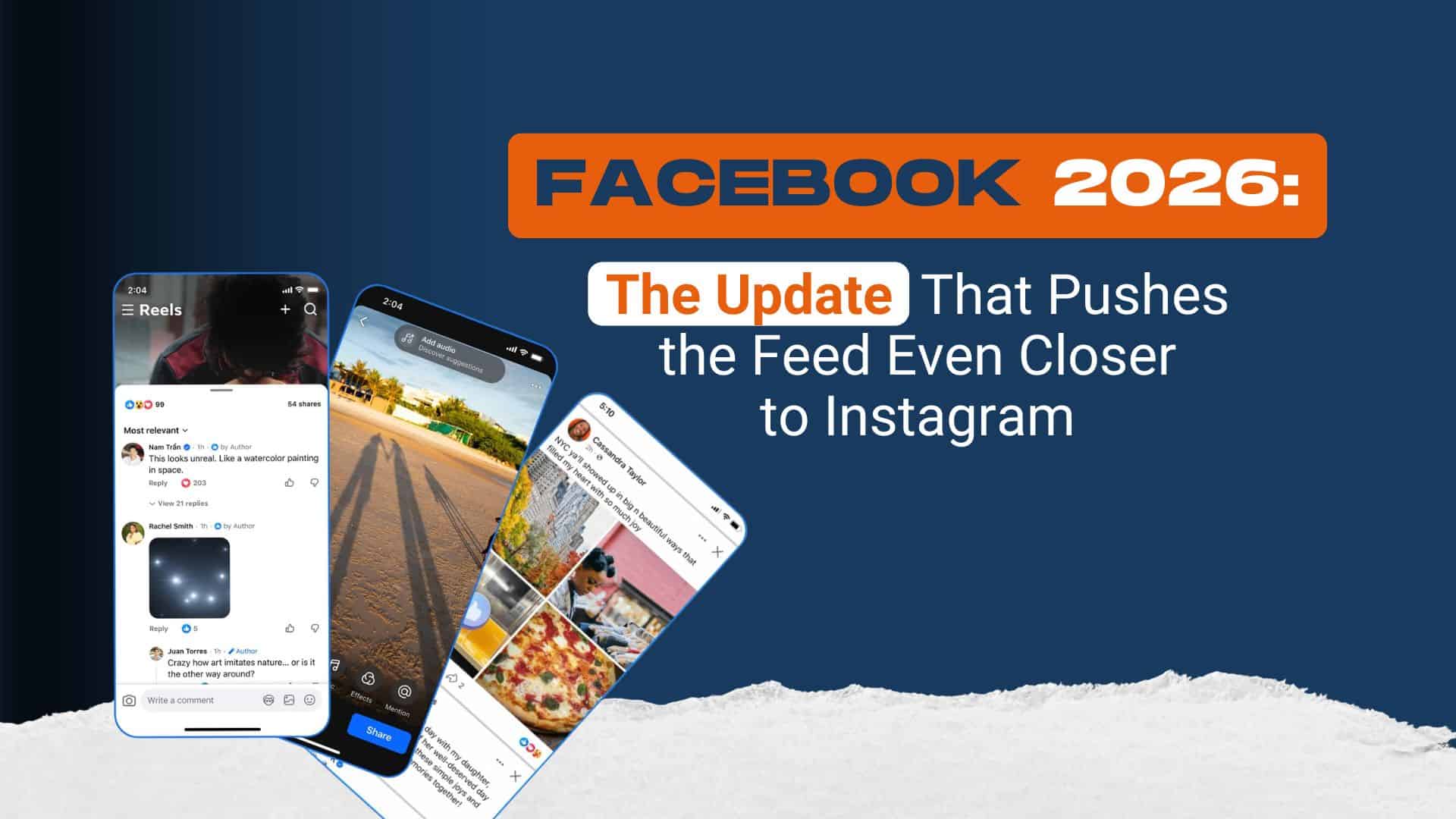
Facebook in 2026: Features, Benefits, Latest Updates and Complete Guide
Contents
Introduction
Facebook is one of the world’s most widely used social media platforms. It helps people connect with friends and family, share photos and videos, discover interesting content, participate in communities, and communicate with others online. Facebook is operated by Meta Platforms and is available through mobile applications and web browsers.
In 2026, Facebook continues to provide a range of social networking tools, including the News Feed, Reels, Stories, Groups, Pages, and messaging features. These tools make it useful for personal communication, entertainment, community discussions, and business promotion.
This article explores Facebook features in 2026, its benefits, video tools, privacy options, and tips for using the platform responsibly.
1. What Is Facebook?
Facebook is a social networking platform that allows users to create profiles, connect with other people, and share digital content. Users can publish text updates, upload photographs, share videos, react to posts, and comment on content published by others.
Facebook was launched in 2004 and later expanded to become a global social media service. Today, people use it for communication, entertainment, news discovery, education, and community participation.
Users can also follow public Pages, join Groups based on shared interests, and discover creators who publish content about technology, sports, education, travel, food, and other topics.
2. Important Facebook Features in 2026
Facebook offers several features that support different online activities.
News Feed
The News Feed displays posts, photographs, videos, and updates from friends, Pages, and other sources. Its recommendations are influenced by different signals, including user activity and interests.
Users can adjust Feed preferences to manage the type of content they see.
Facebook Reels
Reels allow users to watch and create video content. People can share entertaining clips, educational videos, tutorials, creative projects, and other material.
Meta announced changes in 2025 to simplify video publishing by bringing Facebook video uploads into the Reels experience. The rollout and available options may vary by account or region. Users can also manage who is allowed to see their Reels.
Facebook Stories
Stories provide a way to share photographs, videos, and short updates in a temporary format. They can be useful for sharing everyday moments and announcements with selected audiences.
Facebook Groups
Groups bring people together around common interests. Examples include student communities, local neighbourhood groups, hobby clubs, educational discussions, and technology communities.
Group administrators can establish rules and moderate discussions to encourage useful participation.
Facebook Pages
Pages help public figures, creators, organisations, and businesses share information with their audiences. Page administrators can publish updates, communicate with followers, and review available performance insights.
Messenger
Facebook messaging features help people communicate through text, photographs, videos, voice calls, and video calls. Depending on the account and application setup, some messaging features are accessed through Messenger.
3. Latest Facebook Updates and Video Changes
Facebook continues to develop its video and discovery experiences. One important change announced by Meta in June 2025 was the plan to simplify video publishing so that new video uploads would be shared as Reels.
This change was intended to bring video creation tools together and make publishing easier. Meta also explained that creators would retain control over their audience settings.
In March 2026, Meta’s engineering team described Friend Bubbles, a feature in Facebook Reels that highlights videos friends have liked or reacted to. It is designed to help people discover content through shared interests and start conversations.
Feature availability can change over time, so users should check their own Facebook application and official announcements for the latest rollout information.
4. Benefits of Using Facebook
Facebook can provide several benefits when used thoughtfully.
Communication: Users can keep in touch with friends, relatives, classmates, and communities, even when they live far apart.
Educational content: Students can discover learning resources, join subject-related Groups, and follow educational Pages.
Entertainment: Reels, photographs, videos, and community posts offer a variety of content.
Community participation: Local Groups can help people learn about events, activities, and community discussions.
Creator opportunities: People who publish original and useful content can build an audience. Eligibility for monetisation depends on Meta’s current policies, account status, region, and programme requirements.
Business visibility: Businesses and organisations can use Pages to share updates, introduce services, and communicate with potential customers.
5. Facebook Privacy and Security
Protecting personal information is an important part of using any social media platform.
Facebook provides privacy controls that let users manage who can see their posts, profile details, Stories, and Reels. Users can review these options through Settings and Privacy.
Here are some useful precautions:
- Review your audience settings before publishing posts.
- Avoid sharing passwords, verification codes, financial details, or private documents.
- Enable two-factor authentication when available.
- Use a strong, unique password for your account.
- Be careful with unexpected messages and suspicious links.
- Block or report accounts that engage in harassment, impersonation, or suspicious behaviour.
- Review login activity and remove unfamiliar sessions when necessary.
Meta also provides Privacy Checkup and account security tools to help users review their settings.
6. Tips for Creating Better Facebook Content
People who want to publish useful content can follow a few simple practices.
First, choose a clear topic for each post. Educational tips, technology explanations, local updates, and original creative work can help readers understand what the content offers.
Second, use clear photographs and videos that you own or have permission to use. Write meaningful captions that accurately describe the content.
Third, respond politely to genuine comments and avoid misleading headlines. If you manage a Page, review its available insights to understand which types of posts your audience finds useful.
Finally, follow Facebook’s Community Standards and respect copyright when sharing content.
7. Common Facebook Problems
Users may occasionally experience login difficulties, missing notifications, slow loading, or problems uploading photographs and videos.
Basic troubleshooting includes checking the internet connection, updating the application, restarting the device, and reviewing account notifications.
If an account appears compromised, use Facebook’s official account recovery and security guidance rather than trusting strangers who promise to recover it for a fee.
Users should never share passwords or verification codes with people claiming to be support representatives.
8. Is Facebook Still Useful in 2026?
Facebook remains useful for people who want to communicate, discover videos, participate in online communities, and share information. Its combination of Reels, Groups, Pages, Feed posts, and messaging supports a broad range of activities.
However, the experience depends on personal interests, privacy choices, and the content available in each user’s Feed. Spending time thoughtfully, checking information before sharing it, and protecting personal details can help users get more value from the platform.
Conclusion
Facebook continues to evolve through changes to video publishing, content discovery, messaging, and privacy controls. Its features can support communication, education, entertainment, community participation, and online business visibility.
Understanding Facebook features in 2026 can help users make better decisions about what they share, which communities they join, and how they protect their accounts. For the most accurate information about new features, users should consult Facebook’s official Help Center and Meta’s Newsroom.
Frequently Asked Questions
1. What is Facebook used for?
Facebook is used for social networking, messaging, sharing photographs and videos, joining Groups, following Pages, and discovering content.
2. What are Facebook Reels?
Reels are Facebook’s video-sharing experience, used for entertainment, education, creative videos, and other video content.
3. Is Facebook free to use?
Facebook can generally be used without a subscription fee, although internet charges may apply and some optional services or features may have separate terms.
4. How can I protect my Facebook account?
Use a strong password, enable two-factor authentication, review privacy settings, and avoid suspicious links and requests for verification codes.
5. Can Facebook help creators reach an audience?
Yes. Creators can publish original content through profiles or Pages. Audience growth and monetisation are not guaranteed and depend on eligibility, policies, and performance.